- Accounts & Connection Management
- Data Management & Analysis
- Price Monitoring
- Charting
- Trading
- Scanners
-
Builders
-
Manual Strategy Builder
- Main Concept
- Operand Component
- Algo Elements
-
Use Cases
- How to create a condition on something crossing something
- How to create an indicator based on another indicator
- How to calculate a stop loss based on indicator
- How to submit stop order based on calculated price
- How to calculate a current bar price using a price type from inputs
- How to Use a Closed Bar Price
- Automatic Strategy Builder
-
Manual Strategy Builder
- Autotrading
- FinScript
- Trade Analysis
- Media Feeds
- Logs & Notifications
- UI & UX
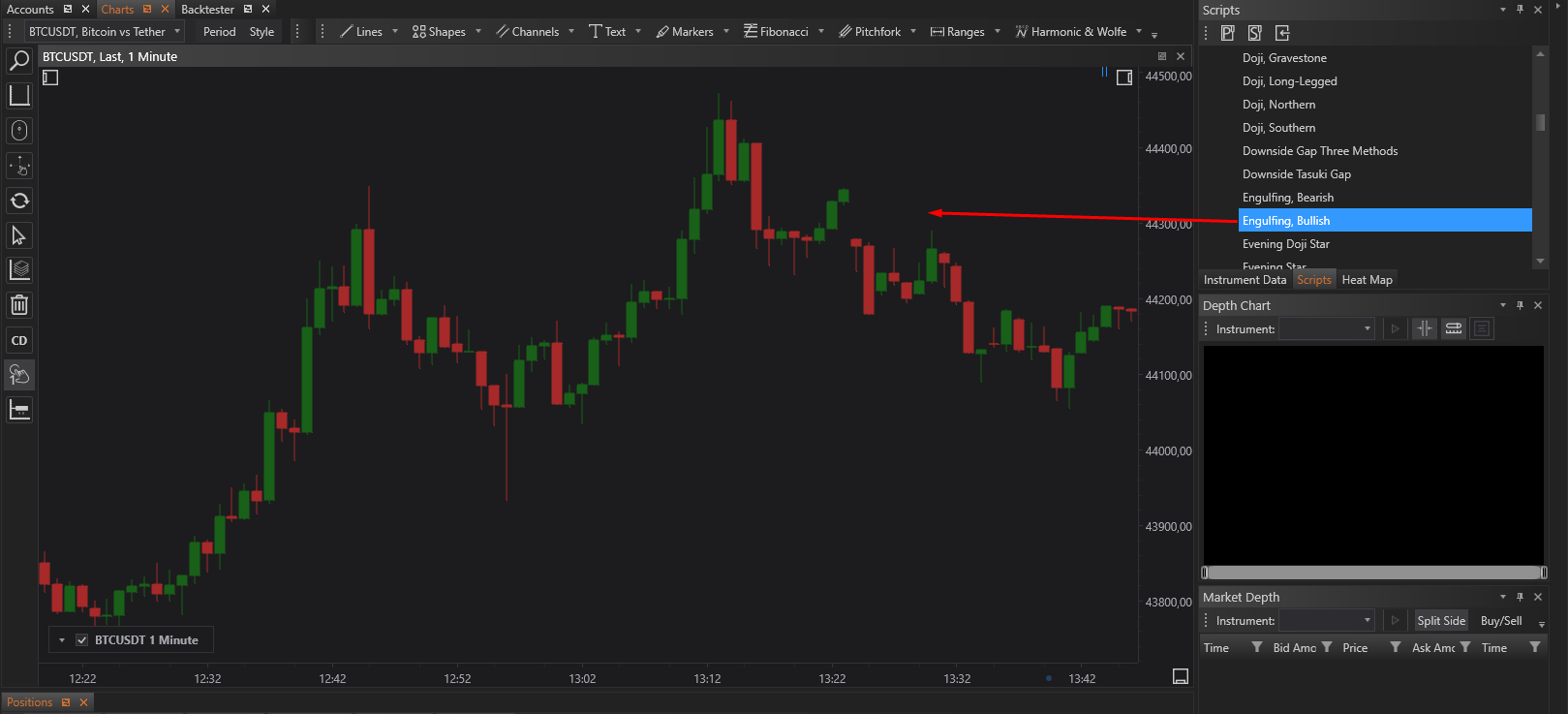
FinStudio provides a large number of developed candlestick and chart patterns. To use it for detection user should select some of them from the panel in the upper right corner and then drag it to the chart.
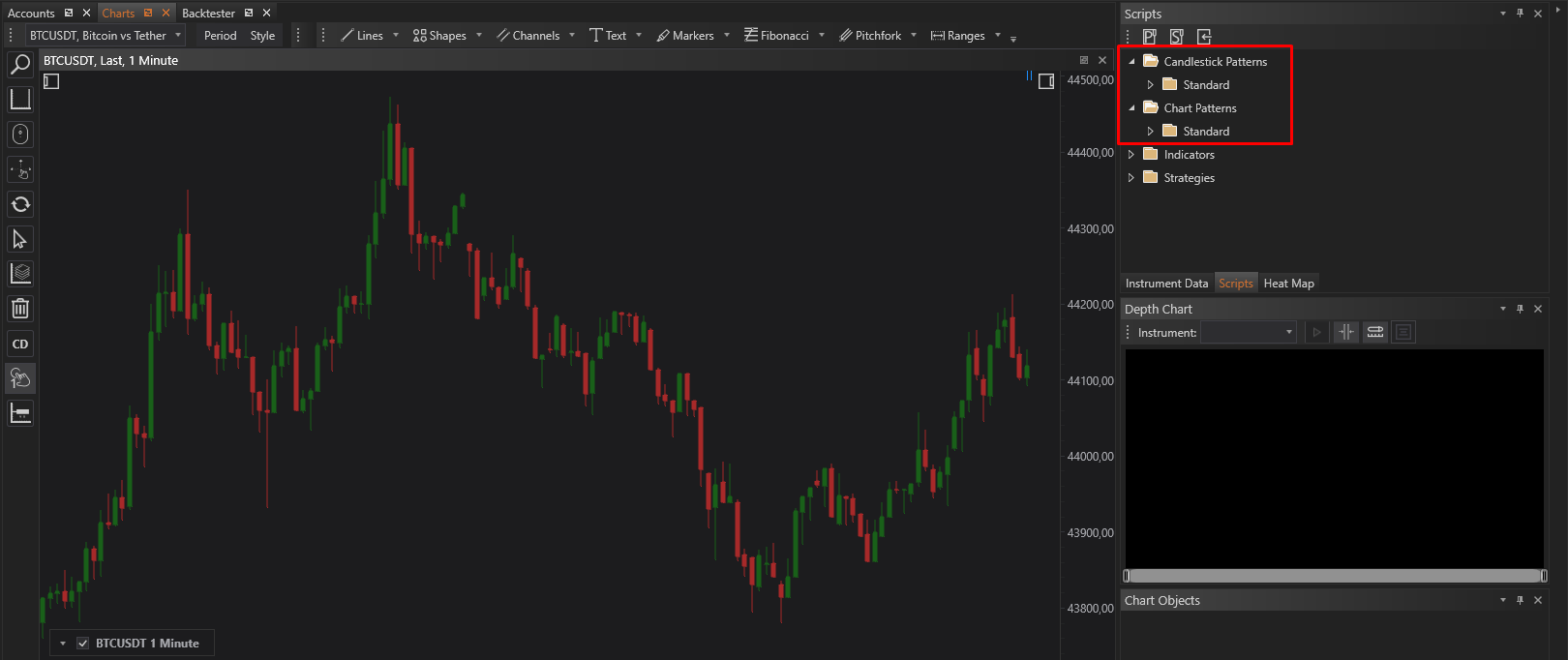
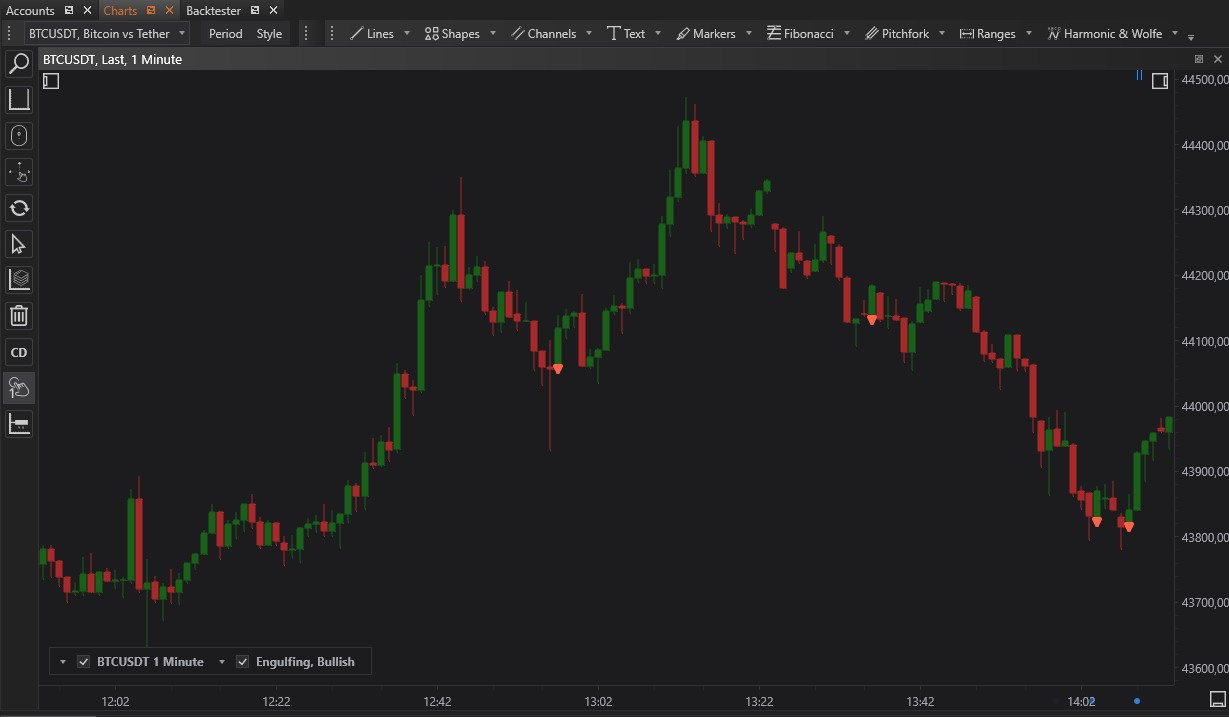
As a result all instances of selected pattern will be detected on the chart
It is possible to use many patterns for simultaneously detection
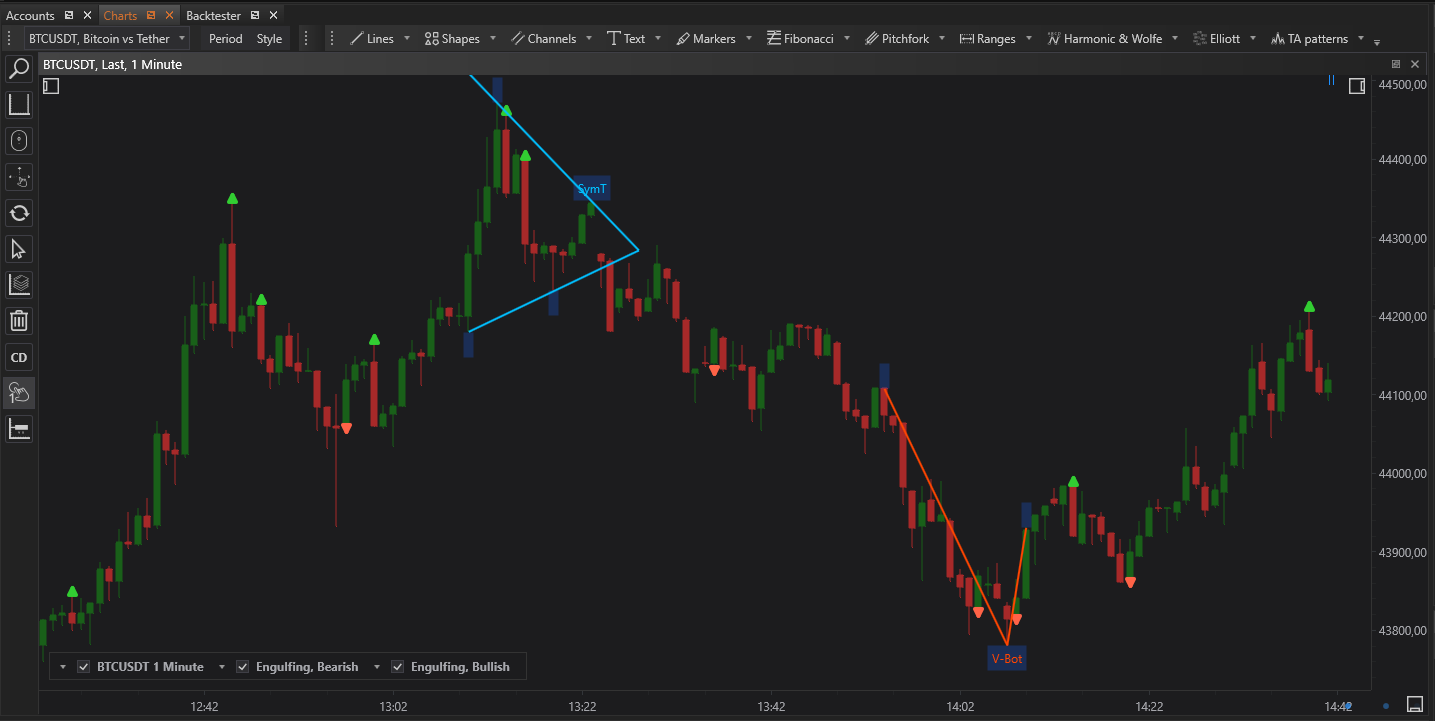
Also it is possible to develop custom candlestick or chart pattern for detection.
- Accounts & Connection Management
- Data Management & Analysis
- Price Monitoring
- Charting
- Trading
- Scanners
-
Builders
-
Manual Strategy Builder
- Main Concept
- Operand Component
- Algo Elements
-
Use Cases
- How to create a condition on something crossing something
- How to create an indicator based on another indicator
- How to calculate a stop loss based on indicator
- How to submit stop order based on calculated price
- How to calculate a current bar price using a price type from inputs
- How to Use a Closed Bar Price
- Automatic Strategy Builder
-
Manual Strategy Builder
- Autotrading
- FinScript
- Trade Analysis
- Media Feeds
- Logs & Notifications
- UI & UX