- Accounts & Connection Management
- Data Management & Analysis
- Price Monitoring
- Charting
- Trading
- Scanners
-
Builders
-
Manual Strategy Builder
- Main Concept
- Operand Component
- Algo Elements
-
Use Cases
- How to create a condition on something crossing something
- How to create an indicator based on another indicator
- How to calculate a stop loss based on indicator
- How to submit stop order based on calculated price
- How to calculate a current bar price using a price type from inputs
- How to Use a Closed Bar Price
- Automatic Strategy Builder
-
Manual Strategy Builder
- Autotrading
- FinScript
- Trade Analysis
- Media Feeds
- Logs & Notifications
- UI & UX
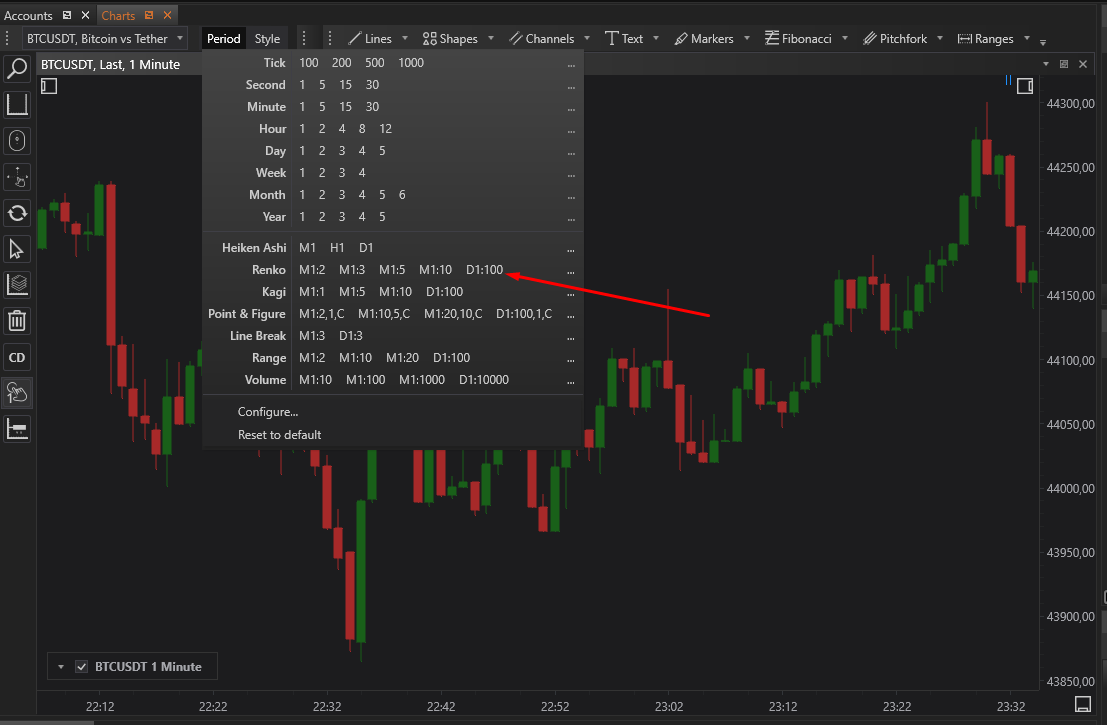
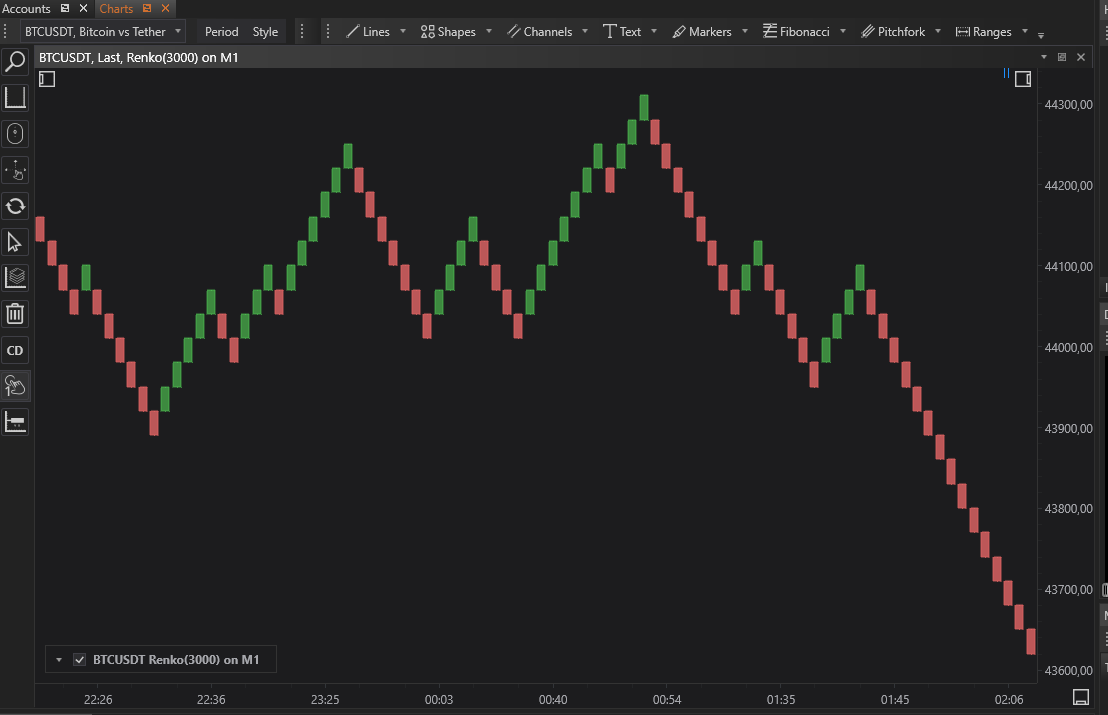
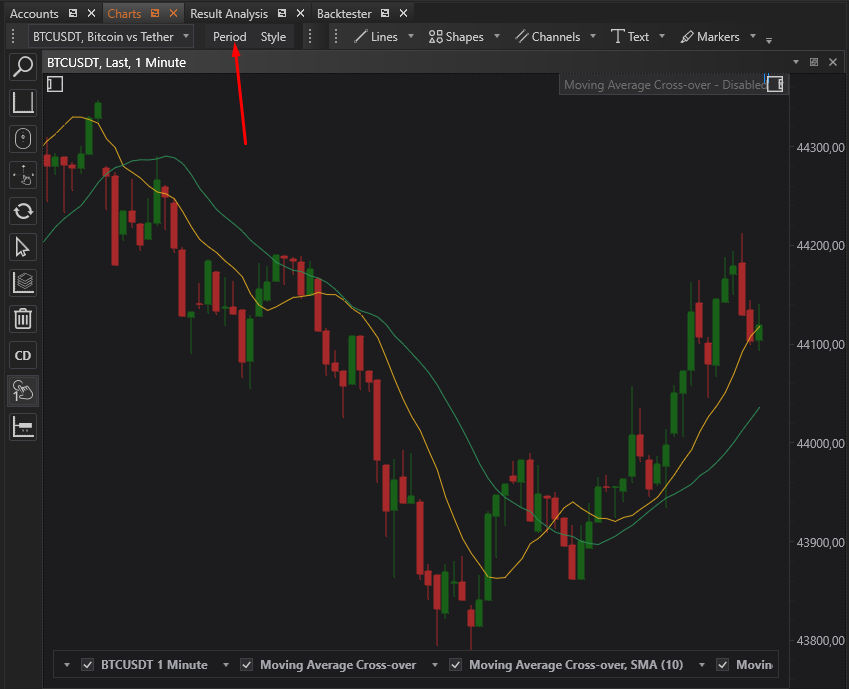
FinStudio provides a large number of developed bars type. To use it a user needs to push the button Period which is above the chart and select desired bars type. The following example shows how to build renko bars based on 1min bars
Also FinScript gives an opportunity to create custom BarsType.
- Accounts & Connection Management
- Data Management & Analysis
- Price Monitoring
- Charting
- Trading
- Scanners
-
Builders
-
Manual Strategy Builder
- Main Concept
- Operand Component
- Algo Elements
-
Use Cases
- How to create a condition on something crossing something
- How to create an indicator based on another indicator
- How to calculate a stop loss based on indicator
- How to submit stop order based on calculated price
- How to calculate a current bar price using a price type from inputs
- How to Use a Closed Bar Price
- Automatic Strategy Builder
-
Manual Strategy Builder
- Autotrading
- FinScript
- Trade Analysis
- Media Feeds
- Logs & Notifications
- UI & UX